


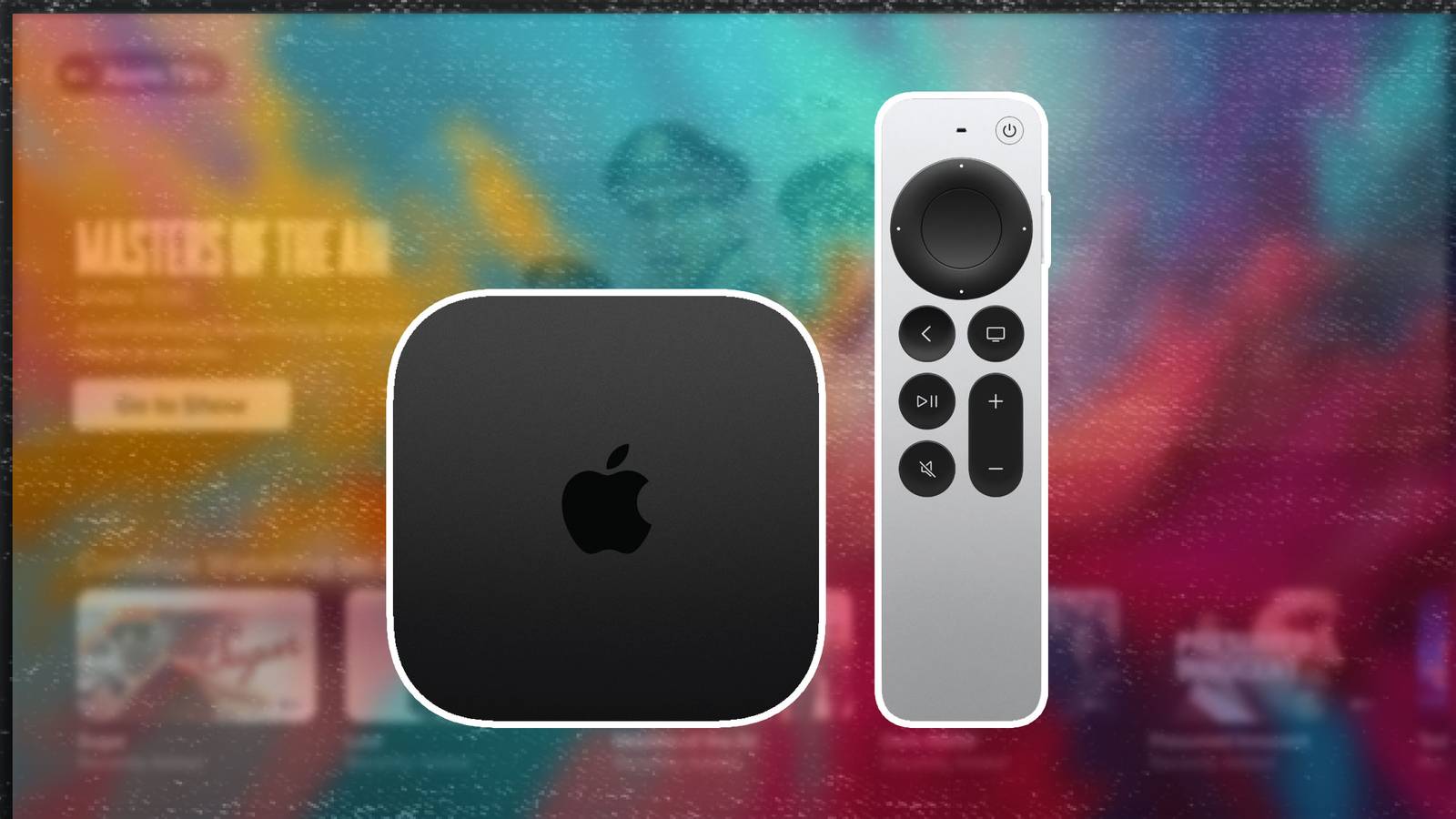
I love affordable streaming sticks and set-top boxes as much as the next person, but the undeniable truth is that their advertisement-filled user interfaces can be a pain to sift through on the daily. Hardware offerings from Amazon, Roku, Google, Walmart and others certainly get the job done when it comes to facilitating a curated content consumption experience, but the hidden cost of targeted ads is an all too real and frustrating reality.
That being said, there are a few devices out on the market that approach things differently, with higher upfront costs and a reduced reliance on the delivery of advertisements to the end user. Some of these products are purpose-built for streaming, while others are simply streaming-adjacent or capable of performing the task on a secondary or even tertiary basis. Here are five products that can comfortably assume the role of streaming gadget, all without relying heavily on intrusive advertisements.
Apple TV 4K (3rd generation)
The only true ad-free streaming gadget

- Brand
-
Apple
- Bluetooth codecs
-
5.0
- Wi-Fi
-
6
- Ethernet
-
Gigabit (128GB model only)
- Storage and RAM
-
64GB, 128GB
The Apple TV is arguably the only purpose-built streaming device out on the market that offers a truly advertisement-free user experience right out of the gate. The set-top box runs tvOS, which offers a streamlined home screen interface entirely devoid of ads, promotional banners, or other visual distractions. For Apple fans, the Apple TV is an ideal complimentary device that integrates into the company’s ecosystem with ease. Plus, its App Store offers access to countless games and utilities that go far beyond basic streaming.
Nvidia Shield TV/Shield TV Pro
The Shield Experience is a cut above the rest

Most Google TV and Android TV devices feature advertisements right on their home screens, and Nvidia’s Shield TV lineup is technically no exception. That being said, the company’s Nvidia Shield Experience user interface overlay is a solid one that offers robust support for AI upscaling, cloud gaming, local media servers, high-end audio, and more. It’s also quite customizable on the whole, with plenty of options to move home screen items around and to hide or show user interface elements. While not one hundred percent free of ads, the Shield Experience is flexible enough such that they never feel overbearing in their delivery.
Sony PlayStation 5/5 Pro
Ads are limited in scope here

As a premium home video game console, the Sony PlayStation 5 series offers a well-optimized home screen experience that’s designed to get you in and out of games without a fuss. Of course, as with other modern devices that connect to a television, the PS5 can be used as a makeshift streamer, too, and it succeeds in this secondary role thanks to a general lack of intrusive ads littered throughout its interface. Sure, you’ll find some promotional banners for upcoming game titles here, but nothing feels even remotely egregious or distracting.
Microsoft Xbox Series X/S
Microsoft’s Xbox dashboard practices restraint

In the same vein as the PlayStation 5, the Xbox Series line of game consoles are designed with a streamlined user interface in mind. Running a modified version of Windows 11 under the hood, the Xbox doesn’t suffer from the desktop platform’s advert saturation issue, making for a far more enjoyable experience, whether it be while gaming, or while streaming movies and TV shows. The console’s Dashboard is designed to be personalized and optimized for jumping in and out of software, which translates into a surprisingly well-rounded streaming setup, too.
Nintendo Switch
A lean, no-fuss home screen experience

I know, I know — the Nintendo Switch 2 doesn’t even have a native YouTube application as of yet, despite longstanding rumors of its arrival. On the other hand, it’s hybrid console predecessor does support not only YouTube, but also Hulu and Crunchyroll. As such, the original Switch makes for a solid makeshift streaming device, especially considering its simplistic (and genuinely free of all ads) home screen interface. Plus, by virtue of the system’s hybrid nature, it’s easy to switch from streaming on the big screen to streaming on the handheld’s display, all by simply docking and undocking the unit itself.

